# Beginner’s guide to Web Scraping with PHP.
---
title: Beginner’s guide to Web Scraping with PHP.
published: true
date: 2020-11-02 15:25:48 UTC
tags: PHP,API,scrape,webscraping
canonical_url: https://dataflowkit.com/blog/php-api/
---
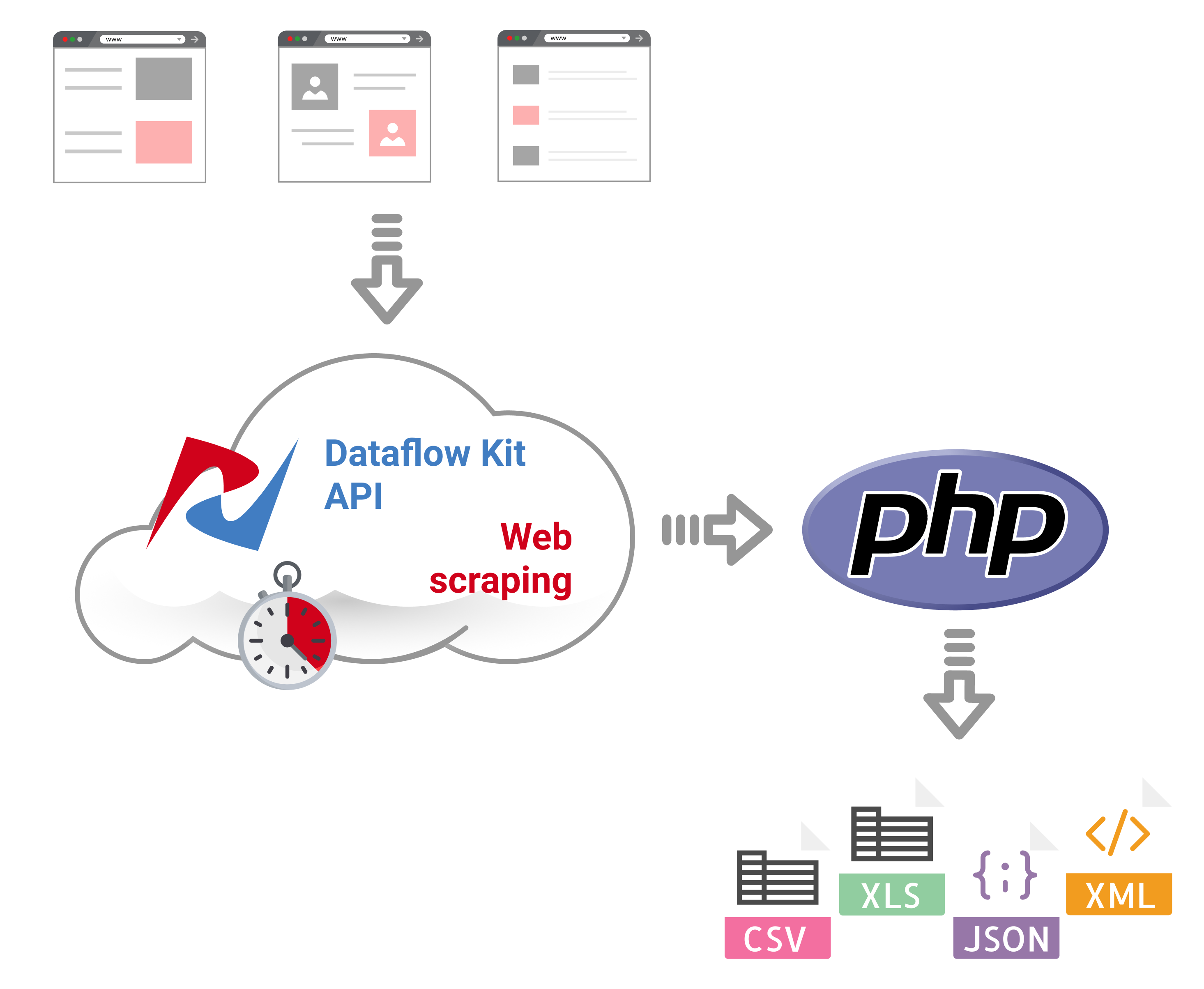
Scraping simple HTML from the Web is not a problem in modern programming languages. While PHP is especially suited for web development, its ability to send HTTP requests is severely lacking. The [Requests library for PHP](https://github.com/rmccue/Requests) developers is an excellent solution for sending HTTP requests to websites.
## Render Javascript webpages.
It's not enough to download content from a website as-is with a library like PHP Requests. Most modern websites are heavily based on Javascript frameworks like Angular, React, or Vue.js. We can talk about client-side rendering where Javascript content returned as a response needs to be rendered in a web browser. Mainly the headless Chrome browser is used to render dynamic content from websites and returns it as a static HTML.
## Using Proxies.
Another challenge is to fetch web page content restricted to users from specified countries only. _Using proxy servers_ is required to obtain country-specific versions of target websites or to bypass content download restrictions.
* * *
> In most cases, running your own headless Chrome browser cluster and a proxy pool is expensive. It makes more sense to use a special service to
> render Javascript driven web pages in the cloud, and return static HTML.
## How to scrape Websites using PHP script?
I will share the code for PHP developers who have shown a lot of interest lately. We will generate the simple PHP script that sends requests to [Web Scraping Service API](https://dataflowkit.com/html-scraping). To automate HTML scraping tasks, follow the steps describes below:
## 1. Get a Free API Key.
**Dataflow Kit API Key is required** to get access to Dataflow Kit API. the server. You can obtain it from the user dashboard after free registration. Once you sign-up, we grant you _free 1000 credits._
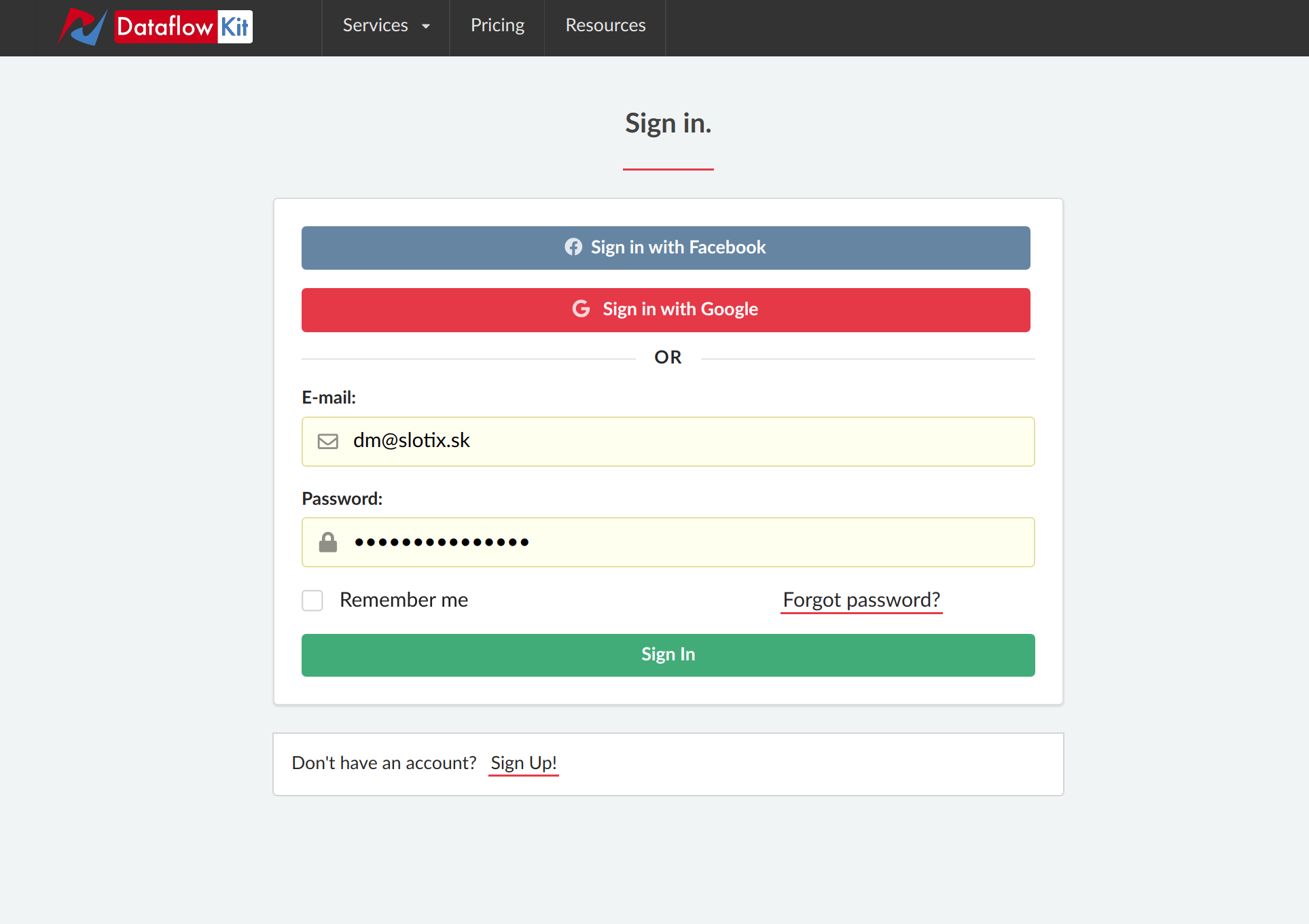
Go to [https://account.dataflowkit.com](https://account.dataflowkit.com/) and either use Facebook/Google login or register with your email.
Click on the **"Log in"** button to register with your Facebook or Google account. Or press the **"Sign Up"** link to register with your email.
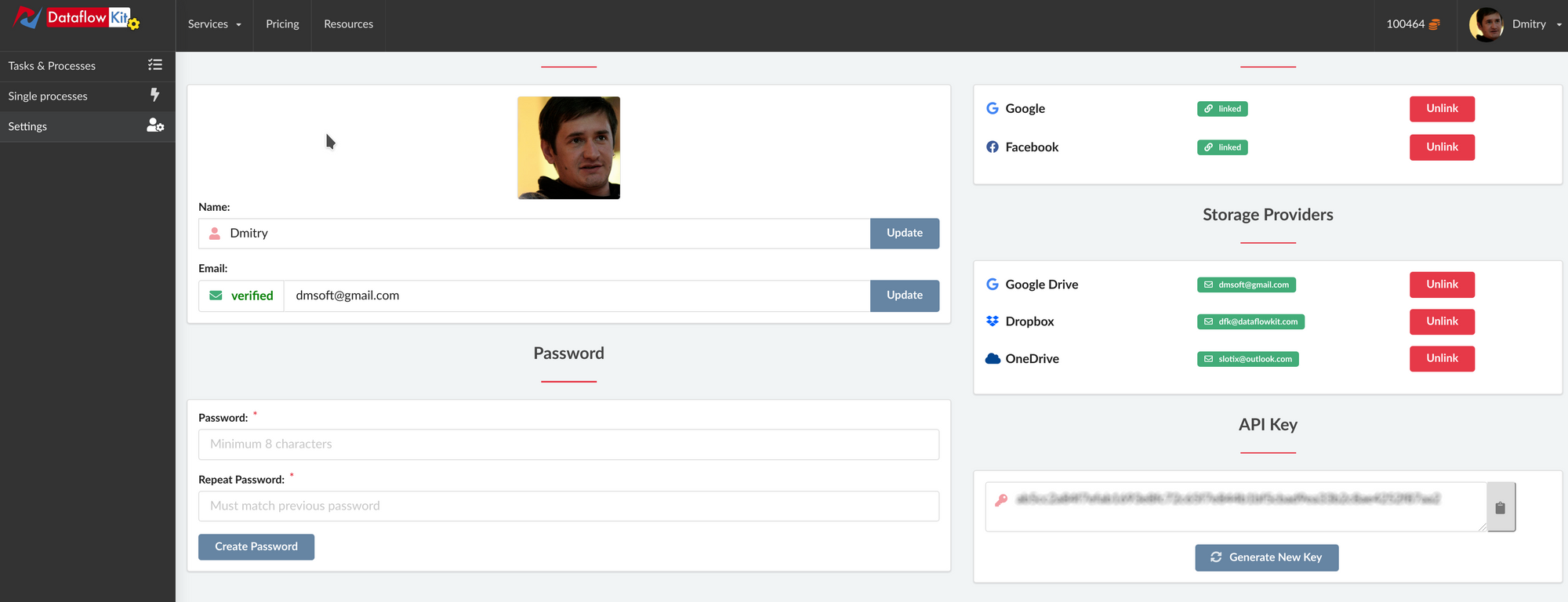
You will need to authorize requests to the Dataflow Kit API. Later we will add it to our PHP script. Please find it in [dashboard Settings](https://account.dataflowkit.com/settings).
## 2. Install PHP Requests.
There is one dependency here. Before running the final script, follow installation instructions at [https://github.com/rmccue/Requests](https://github.com/rmccue/Requests) and install PHP Requests package mentioned above.
## 3. Generate PHP script and send requests to the API.
3.1. Go to [https://dataflowkit.com/html-scraping](https://dataflowkit.com/html-scraping) . Specify some parameters for HTML Scraping API code generator to generate PHP Script.
| Parameter | Description |
| --- | --- |
| api\_key | API Key is used to authenticate with the API - You can find it in your Account Dashboard |
| URL | Provide a URL to download content. |
| Proxy | Select a country to pass requests through a proxy located there to target web sites. |
| Render Javascript | Set it to "Yes" to render Javascript dynamic web pages. For static HTML web pages, choose "No." Defaults to "Yes." |
| Wait Delay | Specify the "Wait Delay" parameter for a custom delay (in seconds). It can sometimes be helpful to set aside more time to render certain elements of the website after the initial page load. |
| Actions | Use actions: Input, Click, Wait, Scroll to automate manual workflows while rendering web pages. They simulate real-world human interaction with pages. |
Depending on specified parameters, you get something like:
```
'application/json'
);
$url = 'https://dbconvert.com/';
$data = '{"url":"' . $url . '","type": "chrome","waitDelay": 0.5}';
$response = Requests::post('https://api.dataflowkit.com/v1/fetch?api_key=API-KEY', $headers, $data);
var_dump($response->body);
?>
```
PHP script for accessing Dataflow Kit API.
3.2. Save the code above, for example, as "dfk-api.php"
3.3. Now add the actual API Key found at [https://account.dataflowkit.com/settings](https://account.dataflowkit.com/settings) in place of API-KEY. It looks like something "ab5cc2a84f7efab1693e8fc72he5f7e844b1bf5cbad9ea33". See the step #1.
3.4. That's all. Now you can run the script and get rendered HTML content from any web site.
## Note for Docker users.
It is even simpler to build and run a docker image to run the script.
```
FROM php:7.4-cli
RUN apt-get update && \
apt-get upgrade -y && \
apt-get install -y git
RUN git clone git://github.com/rmccue/Requests.git
COPY . /usr/src/dfk-api
RUN mv Requests /usr/src/dfk-api
WORKDIR /usr/src/dfk-api
CMD ["php", "./dfk-api.php"]
```
Dockerfile
Follow the steps below to build & run a PHP script that calls Dataflow Kit HTML scraping API service:
1. Open file dfk-api.php
2. Exchange API-KEY with the actual one from [https://account.dataflowkit.com/settings](https://account.dataflowkit.com/settings) . You can obtain it for free after registration at https://dataflowkit.com
3. Run the following command in the terminal to build a docker image.
```
docker build -t dfk-api-php .
```
4. Run a command in a new container
```
docker run -it --rm --name dfk-api-php dfk-api-php
```
* * *
## Github repository for PHP code for accessing Dataflow Kit API.
Feel free to fork a Github repository at [https://github.com/slotix/dfk-api-php](https://github.com/slotix/dfk-api-php) and customize the code for your needs.
## **Conclusion**
Web scraping of plain HTML web pages generated by a server is simple. You can use "PHP Requests" library to get HTML content.
When scraping large amounts from dynamically generated Javascript data, you might run into the following problems:
- You need to run multiple instances of the headless Chrome browser to handle large amounts of input.
- You have to send requests through a pool of proxies to avoid blocking.
In the same way, you can create PHP scripts to [save web pages as PDF](https://dataflowkit.com/url-to-pdf) or [take screenshots](https://dataflowkit.com/url-to-screenshot).
The next step obviously after scraping a webpage is to extract specific data from rendered HTML. Depending on a website, it may be a separate HTML element like an _image, text, link_. Or for example, e-commerce sites list several products on a page as _blocks of data_ grouped by some patterns.
You can use other PHP code generators available on dedicated pages to build PHP scripts to make requests for [scraping various web sites](https://dataflowkit.com/webscraping-hub).